
Learn CAD where you actually build.
Practical maker tutorials: from your first solid and precise snapping to lofts, embossing and 3D-printing workflows. Video and step-by-step instructions on one page.
 Modellieren
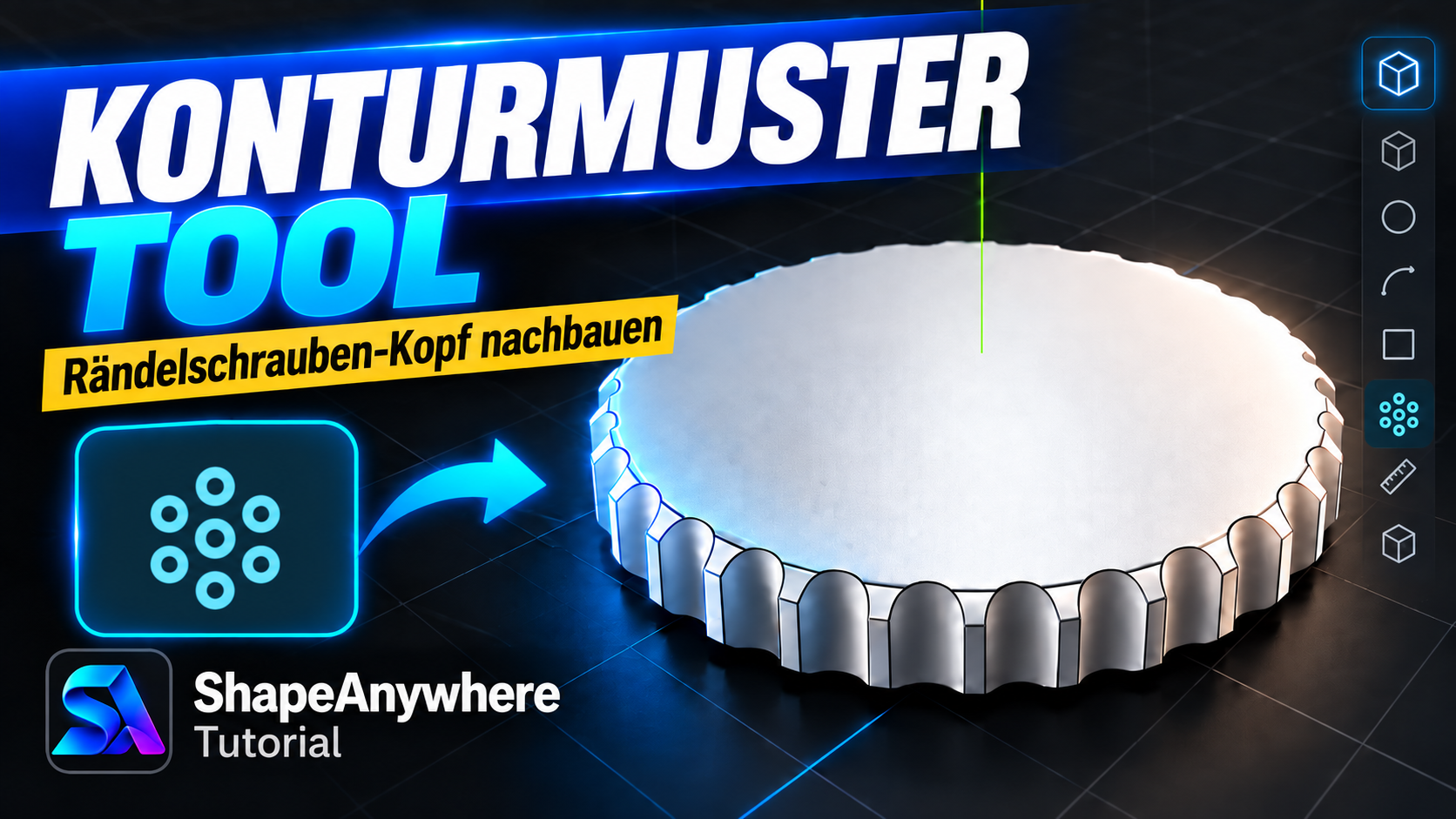
Contour Pattern Tool – Create a Knurled Screw Head
Open tutorial → Grundlagen
Online CAD Tutorial for Beginners – Box with Offset, Push/Pull, Chamfer & Fillet
Create your first simple CAD part directly in the browser: make a box, create an offset contour, modify it with Push/Pull, then finish the model with chamfers…
Open tutorial →Emboss text onto a cylinder
Place text on a curved cylindrical surface and turn it into a raised or recessed emboss. The projection plane can be moved, rotated and scaled freely.
Open tutorial →Cut a pocket into a solid with Push/Pull
This beginner tutorial shows a core ShapeAnywhere workflow: create a solid, sketch directly on a face and push a closed profile into the body to create a pocke…
Open tutorial →Create a simple gear with radial copies
Build a simple spur-gear style model from a base disc and one tooth. You will learn how to place a pivot, copy while rotating and distribute geometry evenly ar…
Open tutorial → Prägen
Emboss Sketches, Text & Patterns on 3D Models
Discover the Emboss tool in ShapeAnywhere: apply sketches, lettering and patterns to your 3D model to create raised or recessed details.
Open tutorial →Don’t just watch – try it immediately.
Tutorials can link straight into ShapeAnywhere and later to prepared example projects, turning instructions into a hands-on learning workflow.