
Prägen
Emboss Sketches, Text & Patterns on 3D Models
Discover the Emboss tool in ShapeAnywhere: apply sketches, lettering and patterns to your 3D model to create raised or recessed details.
 YouTube loads only after you click.
What you’ll learn
Use the Emboss tool to add labels, logos and decorative patterns directly to a 3D model. Position your design, set the emboss depth and choose between a raised or recessed result.
Sketch patterns help you distribute repeating shapes. On curved faces, the selected projection mode determines how your drawing is transferred to the surface. Check both the preview and the finished model from several angles.
Open ShapeAnywhere alongside the video and try the workflow on a simple model. The steps below provide a short companion guide.
Keep learning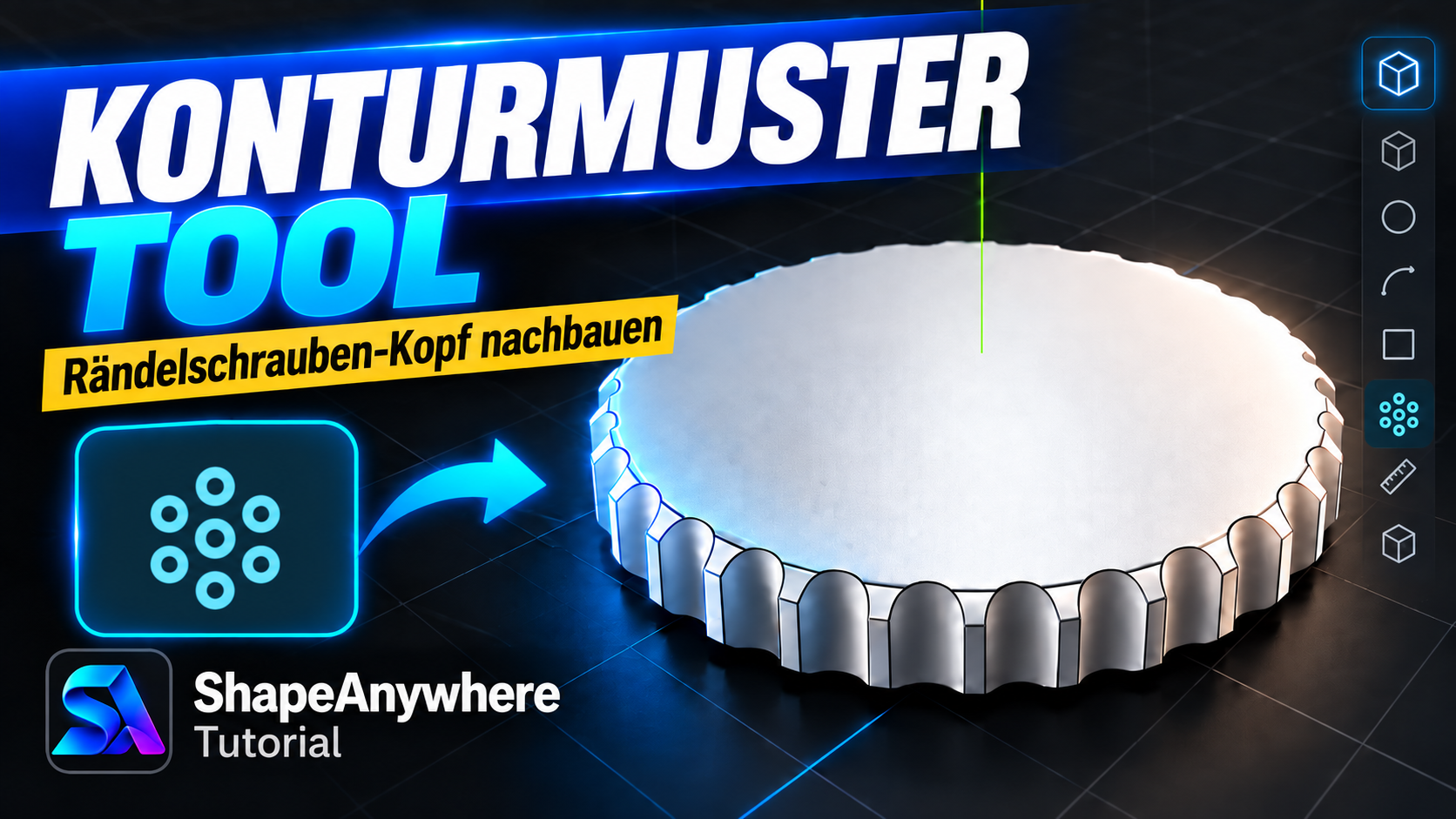

Related tutorials
SA
Emboss text onto a cylinder
Place text on a curved cylindrical surface and turn it into a raised or recessed emboss. The projection plane…
Open →Contour Pattern Tool – Create a Knurled Screw Head
Open →Online CAD Tutorial for Beginners – Box with Offset, Push/Pull, Chamfer & Fillet
Create your first simple CAD part directly in the browser: make a box, create an offset contour, modify it wi…
Open →